Find the right explanation.
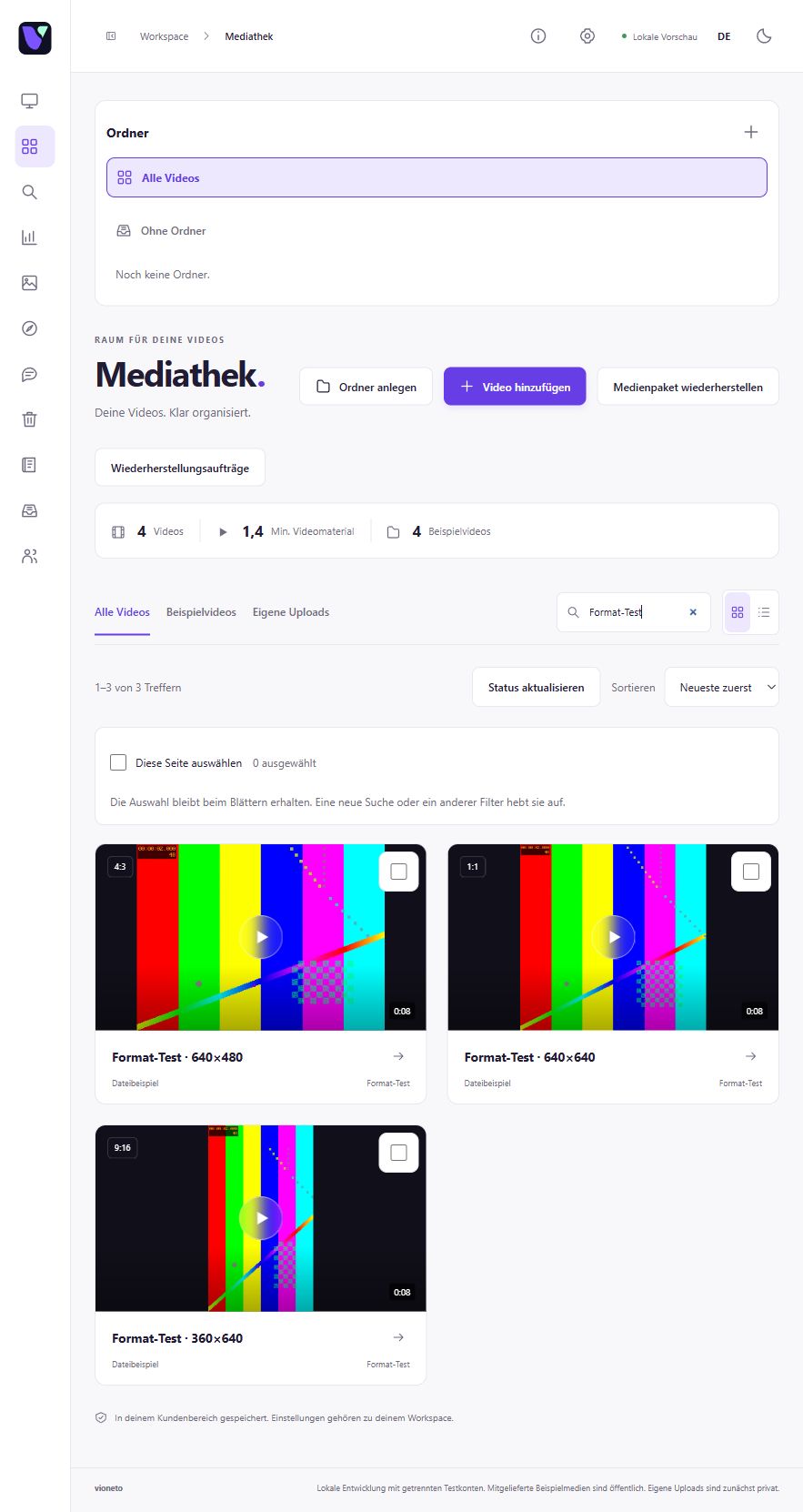
Organise guides by topic or project in your media library. Folders, subfolders and search help you find the right video to share.
Explore media library organisation

Video hosting for helpful explanations
Show the next step in action. Share a dedicated video page with your explanation, add clear steps and give your customers a place to watch again.
30 days free. No payment details. Already have an account? Open Vioneto.
Knowledge to revisit
Keep your explanations organised and share the right video link.
Organise guides by topic or project in your media library. Folders, subfolders and search help you find the right video to share.
Explore media library organisationNamed chapters lead to individual steps. Subtitles let your audience read along with the spoken words.
Explore chapters & subtitlesCustomise a video page with a heading and supporting text, then share its link. Or embed the guide in a suitable help section on your website.
Explore video pages & embeddingAvailable features depend on your plan and permissions.
Share a process
Choose your video file and add it to a suitable topic folder. Follow uploading and processing in the status view.
Understand the statusChoose an informative thumbnail and a suitable player colour. Mark the key steps with chapters and add subtitles to the video.
Shape the first impressionSet up your video page, check its publication settings and review viewer access. Then share the link to the guide.
Understand sharing and embeddingFind your guide with search and open the video to make your next changes.
For your working day
Yes. Customise a dedicated video page with a heading and supporting content. Share its link without embedding the video on another website first. Check your chosen access settings beforehand.
Explore a dedicated video pageSet the password in the video's access settings and save viewer access. Viewers enter this video password before playback. Check the flow before sharing the link and password.
Prepare viewer accessYour next step
We are preparing 30 free days to help you get started. Explore the planned trial flow, then start with an explanation you already want to share.
Check the trial page for available places.