Your colour. Your first impression.
Choose a player design, customise the accent colour and select a thumbnail with care. Show what the video is about before viewers press play.
Customise the player design

Video hosting for your product presentation
Show the movement. The detail. The difference. Give your product video a player with your look, right where visitors want to learn more.
30 days free. No payment details. Already have an account? Open Vioneto.
Your video belongs with your brand
Design, content and placement come together to create your product video's presence.
Choose a player design, customise the accent colour and select a thumbnail with care. Show what the video is about before viewers press play.
Customise the player designA longer product video can cover an overview, features and usage. Named chapters help your audience find the right section; subtitles complement your explanation.
Explore video navigationEmbed the video beside your product description. To present it through a link instead, customise a video page with a heading and supporting content.
Explore embedding & video pagesAvailable features depend on your plan and permissions.
Prepare a product video
Upload your file and assign it to a product or project in your media library. Follow its processing status.
Explore uploads and the media libraryChoose the colour, aspect ratio and thumbnail to fit your website. Check the saved player before sharing it.
Explore the design optionsAdd the embed code to a suitable area of your website. Watch the video there as a viewer who is not signed in, too.
Read the quick embedding guideUse search to find your product video again and open it to customise its look before embedding.
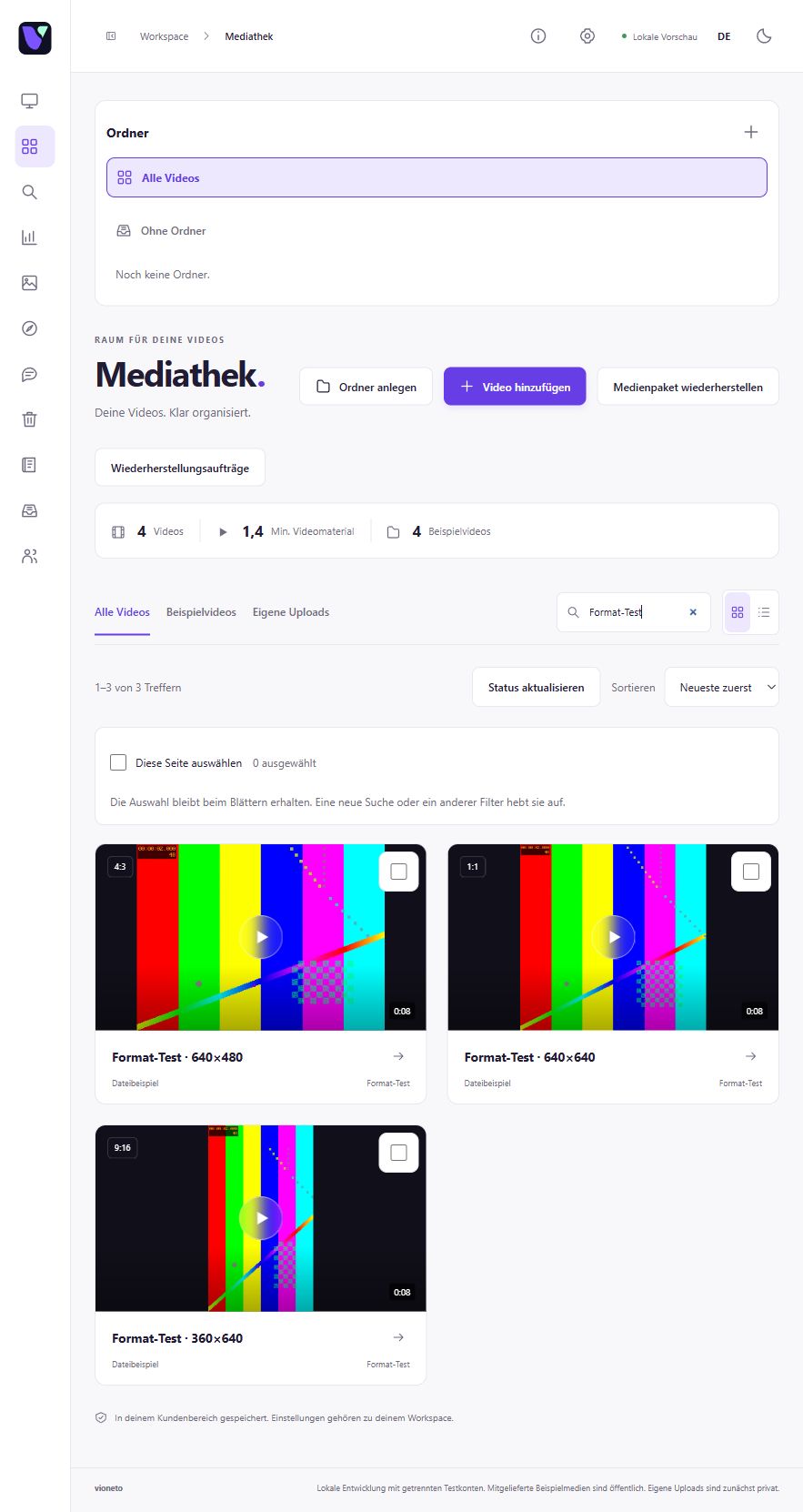
Before embedding
For embedding, you need an HTML or embed block that allows the generated code. Your options depend on your system and editing permissions. Check playback on your page; alternatively, share a video page link.
Understand embedding and the alternativeAt that point, the file transfer is complete. Processing afterwards is a separate step. The upload status view shows which stage your video is at.
Understand the difference between uploading and processingYour next step
Explore the workflow with your own video during the 30-day trial. The trial page explains what is included and shows whether a place is currently available.
Check the trial page for available places.